Best Paid and Free AI Detectors: Can Clever AI Detector Compete?
Clever AI Detector is the surprise winner for everyday checks, though GPTZero remains stronger for classroom evidence. None of these tools should be treated as proof of authorship.
Clever AI Detector
9.1/10Best for: Writers or editors who need frequent checks without credits, subscriptions, or short input limits
- Free checks with no advertised monthly run limit
- Up to 10,000 words in one check
- Sentence-level AI signals
- Confidence-focused reporting avoids absolute verdicts
GPTZero
8.7/10Best for: Teachers or students who want detailed highlighting, writing-process evidence, plus classroom-friendly tools
- Sentence-level highlighting with result explanations
- Free monthly allowance for occasional checks
- Writing replay adds authorship context
- Browser extension fits Google Docs workflows
Originality.ai
8.4/10Best for: Editors checking contractor work, large article batches, or complete websites before publication
- AI detection plus plagiarism checks in one workspace
- Can scan documents, URLs, or complete sites
- Multiple detection models
- Team organization features suit editorial workflows
Best Paid and Free AI Detectors Compared
This table compares sentence-level detail, genuinely usable free access, starting price, plus overall editorial value. Scores reflect feature depth, limits, report clarity, price, plus responsible handling of uncertainty. They are editorial judgments rather than laboratory accuracy percentages.
| Tool | Sentence Detail | Usable Free Tier | Price | Score |
|---|---|---|---|---|
| 1.Clever AI Detector PICK | ● Yes | ● Yes | Free | 9.1/10 |
| 2.GPTZero | ● Yes | ● Yes | $8.33/mo | 8.7/10 |
| 3.Originality.ai | ● Yes | ● No | $12.95/mo | 8.4/10 |
| 4.Copyleaks | ● Yes | ● No | $13.99/mo | 8.1/10 |
| 5.QuillBot AI Detector | ● Yes | ● Yes | Free | 7.9/10 |
The 5 Best Paid and Free AI Detectors, Reviewed
01 Clever AI Detector
Web app · CleverFiles
9.1/10
Clever AI Detector
Web app · CleverFiles
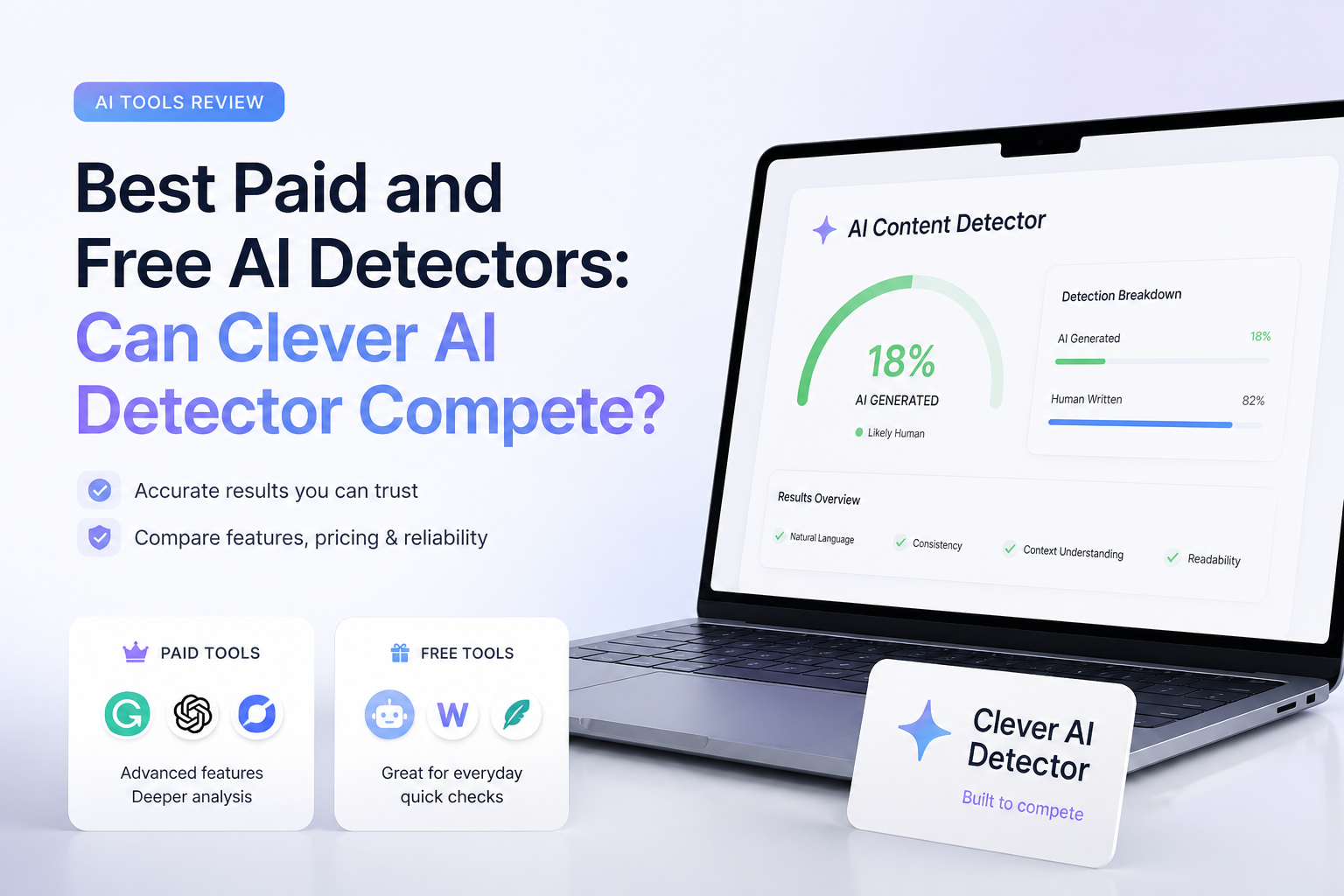
Clever AI Detector earns first place by doing something oddly uncommon: it shows uncertainty without making the report useless. A check returns an overall probability, confidence context, plus highlighted sentence-level signals. It accepts English passages from 80 to 10,000 words, so a long report can fit in one run.
The practical win is access. Checks cost $0, require no account, plus have no stated monthly run cap. An optional account saves check history. Clever lacks the classroom integrations or combined plagiarism reports found in some paid rivals, yet its clear result format makes it a serious everyday detector rather than a stripped-down free demo.
Can it compete? Yes, especially for individual checks. The sensible caveat is the same one that applies to every entry here: a probability score can guide a review, but it cannot prove authorship.
Best forWriters or editors who need frequent checks without credits, subscriptions, or short input limits
- Free checks with no advertised monthly run limit
- Up to 10,000 words in one check
- Sentence-level AI signals
- Confidence-focused reporting avoids absolute verdicts
- No sign-up required for basic use
- English-only detection at the time of review
- No plagiarism scan in the detector report
- Fewer school or enterprise integrations than mature paid platforms
02 GPTZero
Web app · GPTZero
8.7/10
GPTZero
Web app · GPTZero
GPTZero gives reviewers more context than a lone percentage. Its standard report includes document-level classification plus sentence-by-sentence highlighting, while Advanced Scan explains patterns that influenced the result. Recent detector updates also ignore some headings, URLs, bibliographies, plus other peripheral text that can distort a content score.
The free account includes 10,000 words per month. Paid capacity starts at $8.33 per month with annual billing. GPTZero is the stronger classroom choice here because its browser tools, downloadable reports, plus writing replay can help reviewers inspect how a document developed. That extra evidence matters when a false accusation could affect a grade.
Best forTeachers or students who want detailed highlighting, writing-process evidence, plus classroom-friendly tools
- Sentence-level highlighting with result explanations
- Free monthly allowance for occasional checks
- Writing replay adds authorship context
- Browser extension fits Google Docs workflows
- Paid plans support much higher volume
- Free credits can disappear quickly with long papers
- Advanced reporting sits behind paid tiers
- More interface layers than simple paste-and-check tools
03 Originality.ai
Web app · Originality.ai
8.4/10
Originality.ai
Web app · Originality.ai
Originality.ai is built around publishing operations rather than student self-checks. The Pro plan includes 2,000 credits per month, with one AI-detection credit covering 100 words. It also supports document uploads, URL checks, full-site scans, tags, shared reports, plus team management.
Its report options are useful when an editor must review many outside submissions under one account. There are also several detection models for different use cases. Still, credit math adds friction, plus unused subscription credits expire monthly. A few free scans let you sample the detector, but regular use is clearly designed around a paid account.
Best forEditors checking contractor work, large article batches, or complete websites before publication
- AI detection plus plagiarism checks in one workspace
- Can scan documents, URLs, or complete sites
- Multiple detection models
- Team organization features suit editorial workflows
- Shareable reports plus scan history
- Credits expire at the end of each subscription month
- Routine use costs more than capable free detectors
- API access requires the Enterprise plan
04 Copyleaks
Web platform · Copyleaks
8.1/10
Copyleaks
Web platform · Copyleaks
Copyleaks covers more formats than most detector-only services. Its Personal plan supports AI detection in 30-plus languages, plagiarism checks in more than 100 languages, multiple-file uploads, browser extensions, plus a Google Docs add-on. The free public scan accepts up to 25,000 characters, though ongoing free access is credit-limited.
AI Logic is the distinctive part. Rather than stopping at a colored passage, it can show phrase-frequency information or source matches that help a reviewer understand the flag. Copyleaks is less appealing for one-off personal checks because the paid plan bundles several tools, but it makes more sense for multilingual teams or institutions needing integrations.
Best forOrganizations checking multilingual text, code, documents, or content inside an LMS
- Broad multilingual detection coverage
- AI plus plagiarism scanning in one report
- AI Logic supplies extra flag context
- Google Docs, browser, LMS, plus API options
- Supports mixed human-AI text analysis
- Personal pricing is steep for occasional users
- Free credits are limited
- Education or enterprise deployment may require a sales process
05 QuillBot AI Detector
Web app · QuillBot
7.9/10
QuillBot AI Detector
Web app · QuillBot
QuillBot’s detector is easy to understand. It provides an overall score, highlighted sections, plus explainer cards for passages that look machine-written. It also attempts to distinguish fully AI-generated text from human writing refined with AI, a more useful distinction than a blunt human-or-bot stamp.
The free tier permits up to 1,200 words per scan plus six scans per day. Detection itself is free. Premium mainly adds conveniences such as batch file uploads, while free users can upload one file at a time. The limits make it better for essays, posts, or selected chapters than full manuscripts.
Best forWriters already using QuillBot who want a quick detector inside the same editing toolkit
- Detection is available free
- Highlights likely AI-written sections
- Attempts to identify AI-refined writing
- Explainer cards make scores easier to inspect
- Fits neatly beside QuillBot’s editing tools
- Free scans stop at 1,200 words
- Daily free usage is capped
- Some explainer or batch features require Premium
How We Compared These Paid and Free AI Detectors
We reviewed each detector’s public workflow, minimum input, maximum check size, free allowance, sentence-level reporting, price, plus supporting features available in September 2026. We gave more weight to reports that explain uncertainty or identify the passages behind a score.
The ranking does not treat vendor accuracy claims as directly comparable. Companies use different datasets, thresholds, text lengths, model families, plus definitions of a correct result. Overall scores therefore reflect practical usefulness, transparency, cost, plus workflow depth rather than a made-up universal accuracy rate.
How to Choose an AI Detector for School, Publishing, or Personal Checks
Start with the consequence of a wrong result. A writer checking their own draft may only need a free probability score plus highlighted sentences. A school or employer needs a tool that preserves reports, supports review, plus offers evidence beyond the final percentage. Writing replay or version history can be more useful than a second detector.
Check the input rules too. Short detectors may be fine for an email but awkward for a 6,000-word paper. Multilingual support matters if the writer uses translated text or writes outside English. For agencies, file uploads, website scanning, plagiarism checks, team seats, plus API access may justify a subscription.
Common AI Detector Mistakes That Can Lead to False Accusations
The biggest mistake is reading “80% AI” as “80% of these words were generated.” Depending on the tool, that number may represent probability, the estimated share of flagged text, or a proprietary confidence score. Read the report’s definition before repeating the number.
Avoid testing one short paragraph, removing context, or repeatedly rewriting honest work merely to satisfy a detector. Formulaic academic prose can resemble model output, while edited AI text may pass. Use longer samples where possible, review the flagged passages, request earlier drafts, plus give the writer a fair chance to explain their process.
Which AI Detector Should You Use?
Clever AI Detector wins because it gives individual users a complete, readable report without a subscription or tiny trial allowance. Its 10,000-word checks, sentence signals, plus confidence-first language are enough to compete with established paid tools.
GPTZero is a better fit for education workflows, while Originality.ai suits publishing teams that also need plagiarism or site scans. Copyleaks offers broader language coverage. QuillBot is handy for shorter checks inside an existing writing workflow. Whichever tool you choose, compare its result with drafts plus writing history before drawing conclusions.
Run the same passage through two detectors, inspect the highlighted sentences, then compare the result with drafts or document history instead of averaging two percentages into a verdict.