Formatted Data Recovery Software for Windows 7 in 2026
The right installer matters as much as the product name. These four options cover a simple first scan, deeper investigation, low-cost recovery, or a completely free fallback.
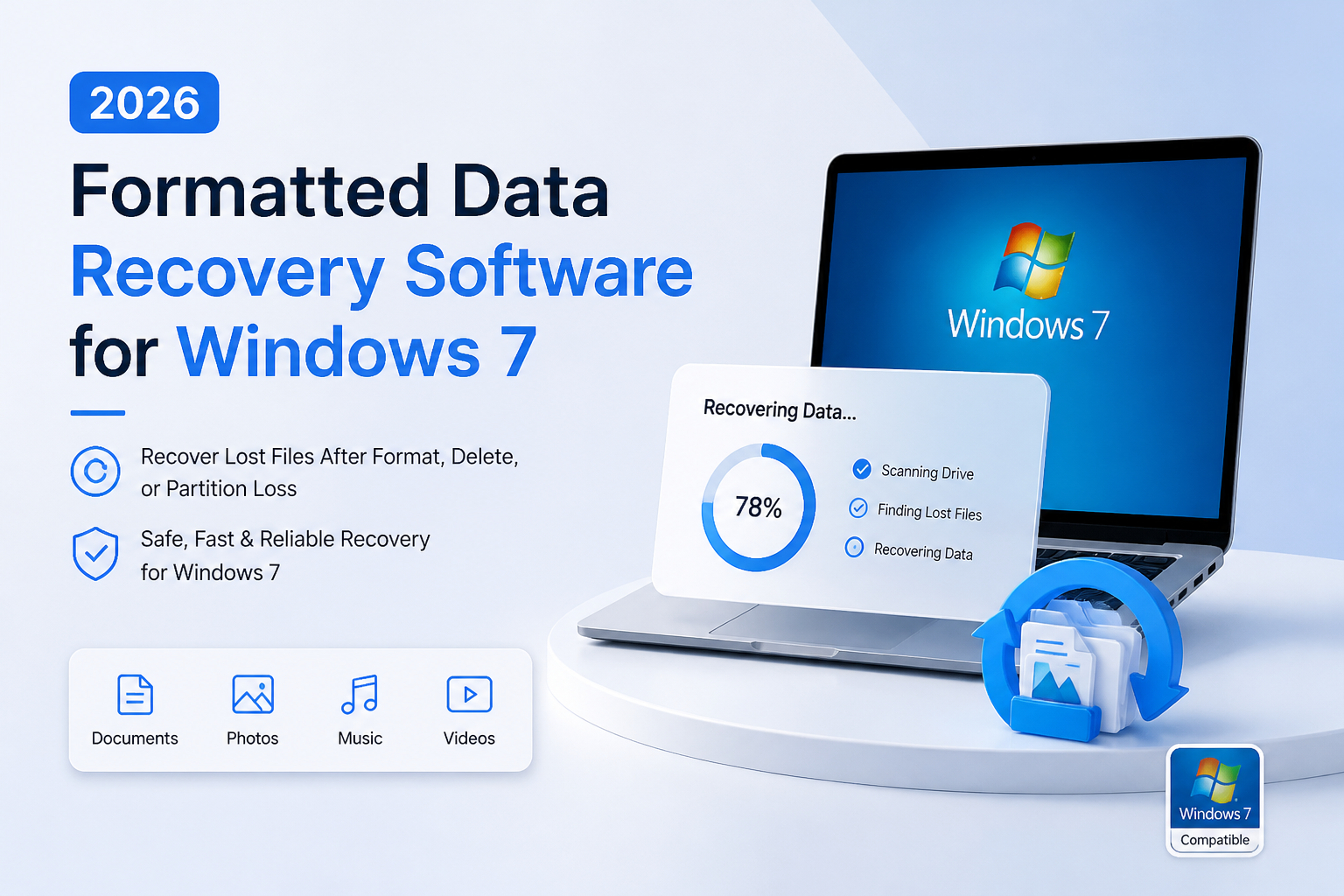
Disk Drill 4.5 is our first pick for readers who want a less technical starting point. The key restriction is legacy compatibility: current Disk Drill releases do not run on Windows 7, which requires SP1 plus KB3033929 for version 4. (cleverfiles.com)
Disk Drill
8.5/10Best for: Home users who want a straightforward first scan of a healthy, accidentally formatted drive
- Our preferred starting point for a less technical reader
- Official version 4.5 download remains listed
- Windows 7 prerequisites are clearly documented
- Free download allows an initial evaluation
R-Studio
8.4/10Best for: Experienced users investigating formatted volumes, lost partitions, or several possible file systems
- Vendor lists Windows 7 compatibility
- Disk imaging is available
- Useful controls for complex storage cases
- Demo lets you inspect results before purchase
DMDE
8.2/10Best for: Patient users recovering a few folders or checking whether useful directory records survived
- Usable free recovery rather than preview alone
- Low entry price for personal bulk recovery
- Perpetual Standard license is available
- Windows 7 operation is documented
Formatted-Drive Recovery Tools for Windows 7 Compared
The table compares the Windows 7 route, the purchase entry point, plus our editorial suitability scores. Scores are not recovery percentages or lab results. Free entries do not necessarily mean unlimited recovery, so read the pricing notes below. Compatibility sources appear in each review.
| Tool | Windows 7 Route | Price | Score |
|---|---|---|---|
| 1.Disk Drill PICK | Legacy 4.5, SP1 + KB3033929 | Free | 8.5/10 |
| 2.R-Studio | Vendor-listed Windows 7 support | $79.99 one-time | 8.4/10 |
| 3.DMDE | Documented Windows 7 operation | $20/yr | 8.2/10 |
| 4.PhotoRec | Windows 7 explicitly listed | Free | 7.8/10 |
4 Formatted Data Recovery Tools for Windows 7 Reviewed
01 Disk Drill
Windows 7 via Disk Drill 4.5 / CleverFiles
8.5/10
Disk Drill
Windows 7 via Disk Drill 4.5 / CleverFiles
Disk Drill gets our first slot for a beginner-oriented recovery attempt, with a major qualification: Windows 7 needs version 4.5, not the current release. CleverFiles still lists that installer in its version archive. Windows 7 also needs SP1 plus KB3033929. Those are documented requirements, not installation results from our own test machine. (cleverfiles.com)
Start with the free download before considering a purchase. We could verify a free entry point, but not a separately priced legacy license with confirmed version 4.5 activation rights. Ask CleverFiles about activation before paying for a current license. Our recommendation is deliberately limited to the older Windows-compatible build, not newer features advertised for Windows 10 or 11. (cleverfiles.com)
Best forHome users who want a straightforward first scan of a healthy, accidentally formatted drive
- Our preferred starting point for a less technical reader
- Official version 4.5 download remains listed
- Windows 7 prerequisites are clearly documented
- Free download allows an initial evaluation
- Current Disk Drill releases do not run on Windows 7
- Legacy activation eligibility needs confirmation before purchase
- Newer-version features should not be assumed available

02 R-Studio
Windows / R-Tools Technology
8.4/10
R-Studio
Windows / R-Tools Technology
R-Studio is our stronger fit when the job needs investigation rather than a simple guided scan. Its vendor lists Windows 7 compatibility, while the standard Windows edition costs $79.99. The product includes disk imaging, file-system recovery, plus tools for more complicated storage arrangements. (r-studio.com)
The tradeoff is choice. A reader unfamiliar with partitions may find the extra controls distracting. Start with the demo, inspect the likely volume, then preview important files before buying. The demo's small-file recovery allowance is not a practical substitute for a paid license when recovering large photos or videos. No comparative recovery-rate test was performed for this article. (r-studio.com)
Best forExperienced users investigating formatted volumes, lost partitions, or several possible file systems
- Vendor lists Windows 7 compatibility
- Disk imaging is available
- Useful controls for complex storage cases
- Demo lets you inspect results before purchase
- More decisions for an inexperienced user
- Demo recovery has a per-file size restriction
- Advanced tools do not reverse overwritten data
03 DMDE
Windows / DMDE
8.2/10
DMDE
Windows / DMDE
DMDE makes a useful distinction between trying recovery for free versus paying for convenient bulk recovery. Its free edition permits 4,000 files from a selected directory per request, with unlimited requests. Express costs $20 for one year. That can suit a one-off personal recovery without buying a more expensive package. (dmde.com)
The documentation covers Windows 7 operation. DMDE also includes a disk editor, so keep the task narrow: inspect, recover, then verify the saved copies. Do not experiment with editing the original device. We favor it for budget-conscious readers comfortable with a technical interface, not because we measured a higher recovery rate. (dmde.com)
Best forPatient users recovering a few folders or checking whether useful directory records survived
- Usable free recovery rather than preview alone
- Low entry price for personal bulk recovery
- Perpetual Standard license is available
- Windows 7 operation is documented
- Free recovery is restricted to a selected directory per request
- Express expires after one year
- Editing tools require restraint
04 PhotoRec
Windows / CGSecurity
7.8/10
PhotoRec
Windows / CGSecurity
PhotoRec is free, open-source software with Windows 7 listed among its supported systems. It searches for recognizable file contents rather than depending on a usable directory tree. That makes it worth considering after formatting has damaged the information needed to reconstruct folders. It recovers more than photographs. (cgsecurity.org)
The expense comes afterward, in sorting time. Original filenames usually do not survive PhotoRec recovery, although some embedded names or document titles may be usable. For a family photo collection, that may be acceptable. For a project spread across hundreds of carefully named folders, try a file-system-aware tool first. This is a workflow judgment, not a measured recovery comparison. (cgsecurity.org)
Best forUsers who need file contents back without a license fee, even if folder organization is lost
- No license fee
- Windows 7 is explicitly supported
- Does not require an intact file system
- Recognizes document formats as well as pictures
- Original filenames usually disappear
- Recovered output may need substantial sorting
- Poor first choice when folder organization is essential
How We Evaluated Windows 7 Recovery Software
This is a documentation-based comparison, not a hands-on recovery benchmark. We checked official compatibility pages, legacy downloads, published prices, plus free-edition restrictions. No drives were formatted for this article. We have no measured scan times, recovered-file counts, or success percentages to report.
The scores express editorial fit for a Windows 7 reader, with compatibility, ease of starting, cost, plus recovery workflow carrying the most weight. Disk Drill's position reflects our beginner-first preference. It does not establish that its older engine recovers more data than the alternatives.
How to Choose a Windows 7 Formatted-Drive Recovery Workflow
Separate the computer running the software from the disk holding the lost files. You may not need to run recovery on the original Windows 7 installation at all. For example, consider connecting a healthy affected data drive to another computer, then using a compatible recovery tool there. PhotoRec supports several operating systems, while Disk Drill provides separate builds for older Windows releases. (cgsecurity.org)
Decide what a useful result looks like before scanning. For a handful of documents, verify readable contents first. For a large archive, names plus folder layout may matter just as much. PhotoRec's usual loss of original filenames makes that distinction especially relevant. (cgsecurity.org)
Formatted-Drive Recovery Mistakes to Avoid on Windows 7
Do not confuse a successful scan with successful recovery. DMDE explicitly advises testing recovered files before purchase, since paying cannot fix files that are already inaccessible or corrupt. Save recovered copies elsewhere, then open a representative selection. (dmde.com)
Also avoid treating SSD recovery like an ordinary hard-drive undelete job. TRIM can make deleted content unavailable to recovery software. A different paid license cannot restore bytes the drive no longer exposes. (cleverfiles.com)
Choosing a Windows 7 Formatted-Drive Recovery Tool
Disk Drill takes our top spot for a beginner-oriented first attempt, not for a proven recovery-rate advantage. Choose R-Studio if you want more investigative control, DMDE if price matters most, or PhotoRec if free file extraction matters more than retaining organization. Above all, make the Windows 7 compatibility check before buying anything.
Try recovering a few important files to a separate drive, then open those copies before committing to a paid license.